

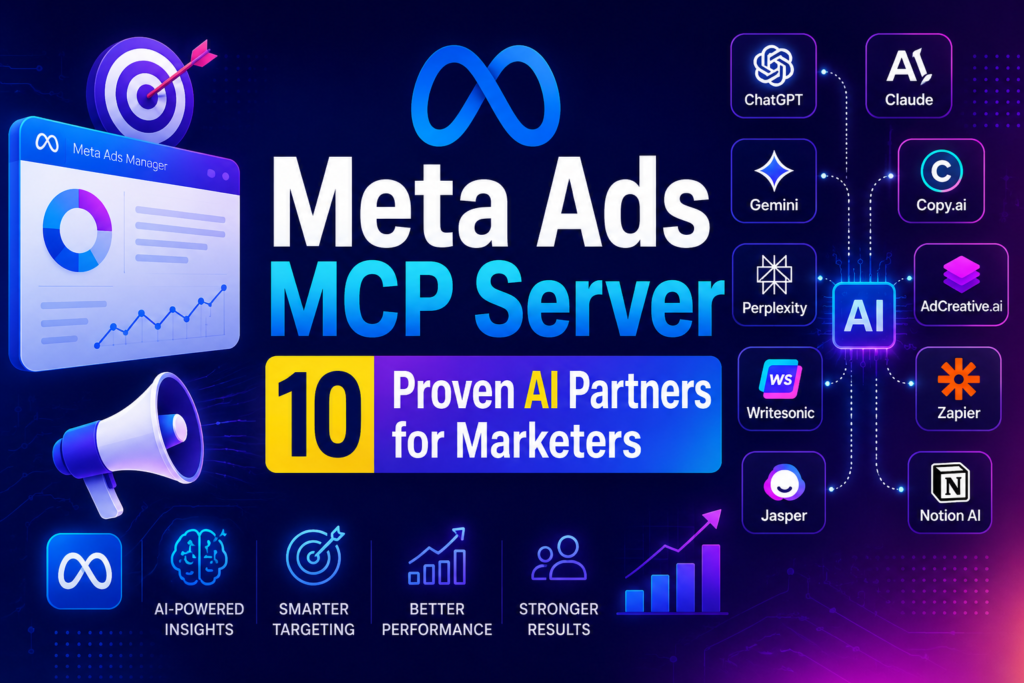
Meta’s Meta Ads MCP Server just got a lot more useful for marketers who already live inside an AI assistant. At Advertising Week New York in early October 2026, Meta confirmed that ten outside platforms, including Perplexity, Snowflake, Triple Whale and Databricks, have now plugged into the server, letting advertisers upload creative, preview ads and track performance from inside the AI tools they already use instead of switching back to Ads Manager.
If that sounds like a small technical footnote, it isn’t. It is Meta formally extending a protocol it opened to any developer back in July, and it answers a question a lot of marketing teams have been asking all year: when will AI agents actually be allowed to touch a live ad account, not just talk about one.
What the Meta Ads MCP Server Actually Is
MCP stands for Model Context Protocol, an open standard that lets an AI assistant connect to an outside system using one shared set of rules instead of custom code for every integration. Anthropic introduced the protocol in late 2024, and it has since become the common language that products like Claude, ChatGPT, and dozens of business tools use to reach outside data and software.
Meta built its own MCP server for advertising, hosted atmcp.facebook.com/ads, and documented it through Meta’s official developer documentation. That page describes it plainly: a permission-scoped server that lets any MCP-compatible AI agent manage Meta ads through a conversation instead of the usual Ads Manager interface.
In practice, the Meta Ads MCP server exposes seven categories of tools to a connected AI agent: campaign and ad set creation and editing, reporting on spend and performance, catalog and product feed management, signal health diagnostics, Business Help Center search, A/B test and conversion lift study setup, and activity log visibility. That is close to the full range of what a human media buyer does inside Ads Manager on a normal day.
Why Meta Expanded It Right Now
Meta didn’t build this overnight. The company first gave Claude and ChatGPT limited, read-and-write access through its own connectors back in April 2026. In July 2026, it opened the underlying ads MCP server to any developer with a Meta app, which meant a team no longer needed Meta’s blessing or a bespoke integration to wire an AI agent into a live ad account.
The October 2026 update, announced at Advertising Week New York, is the next step: Meta says the server now supports deeper workflows for agencies and larger advertisers specifically, including creative upload, ad previews that show how a creative will actually render on Facebook and Instagram, and performance tracking with trend lines and drill-downs, all from inside a partner’s own AI product.
Ten partners have integrated it so far: AdManage.ai, Birch, Blip, Databricks, Innovid, Kochava, Perplexity, Reportei, Snowflake and Triple Whale. That is a meaningfully broader set than the handful of connectors Meta announced in the spring, and it signals the company expects AI-mediated ad management to become a normal way advertisers interact with their accounts, not a novelty feature.
Importantly, this is a separate development from the customer lifecycle targeting changes Meta also announced around the same event. That update is about what Advantage+ campaigns optimize for; the MCP server expansion is about who, or what, is allowed to operate the account in the first place.
The two updates land in the same week for a reason. Meta is pushing automation on both ends of the funnel at once: smarter targeting logic inside its own system, and a wider door for outside AI tools to operate that system. Marketing teams evaluating one update should really be looking at both, since a campaign built by an agent through the Meta Ads MCP server will still run through the same Advantage+ targeting changes underneath it.
How the Meta Ads MCP Server Works, Step by Step
The workflow Meta describes is deliberately staged rather than fully automatic. Understanding each step matters more than the marketing language around it.
- Connect: A developer or partner app authenticates through OAuth via Facebook Login for Business, or with a scoped access token, and requests the “Create and manage ads with ads MCP server” permission.
- Converse: Inside the connected AI tool, you describe what you want. That might be “pause every ad set with a CPA above $40” or “build three creative variants from this product image.”
- Draft: The agent doesn’t publish anything directly. Meta’s stated design has agent-staged work land as a draft inside Ads Manager, where a human can review it exactly as if a colleague had built it.
- Approve: Nothing goes live until an advertiser approves it, based on permissions the advertiser sets. Meta frames this as co-authorship: a person and an agent can both touch the same draft before it publishes.
- Report back: Once live, the same connection can pull performance data, broken down by age, gender, platform or date range, back into the AI tool for ongoing monitoring.
That draft-and-approve structure is the main safety rail Meta is leaning on. Whether it holds up consistently in practice depends heavily on how carefully an account’s permissions are configured, something Meta’s own announcement does not spell out in detail.
There’s a practical reason this matters more than it might seem. Most AI assistants can already see your ad performance today, through exports, screenshots or manual copy-paste. What changes with the Meta Ads MCP server is write access: the agent can propose, and in the right configuration eventually push, changes to a live account. That’s a different risk category than an agent simply summarizing a report you handed it.
Meta Ads MCP Server vs. Google’s AI Ad Tools
Marketers running budgets across both platforms will naturally compare this to what Google has been doing with AI for Google Ads. The two approaches share a goal, letting AI handle more of the mechanical work in a campaign, but they differ in a meaningful way.
Google’s AI features, like Performance Max asset generation and automated bidding, mostly live inside Google’s own interface and automate decisions Google’s models make on your behalf. The Meta Ads MCP server instead opens the account to any outside AI application, which is a bigger shift in control. You are not just trusting Meta’s algorithm; you are potentially trusting a third-party AI product’s judgment about your account, gated by whatever permissions you set.
Neither approach is objectively better. Google’s model keeps automation inside a single, well-tested system. Meta’s model trades some of that containment for flexibility, since a Databricks analyst or a Perplexity user could theoretically manage the same campaign from entirely different tools.
Who Should Actually Try This, and Who Should Wait
This is genuinely useful for some teams right now, and genuinely premature for others. Being honest about that split matters more than hype.
Good fit for the Meta Ads MCP server today
- Agencies managing many accounts that already use one of the ten integrated partners, especially Triple Whale or Snowflake for reporting rollups.
- Teams with a dedicated media buyer who reviews every draft before publishing, so the approval step is a real checkpoint, not a rubber stamp.
- Advertisers who already rely on AI agents for marketing workflows elsewhere and want one fewer manual handoff between tools.
Better to wait if
- Your account has a single person wearing multiple hats, where “approve the draft” tends to turn into “glance and click yes.”
- You manage regulated or high-stakes spend where a misread instruction to an agent could burn budget before anyone notices.
- Your current AI tool of choice isn’t one of the ten named partners yet; the broader MCP opening from July still requires real integration work to use well.
How to Connect an AI Agent to Your Ad Account Safely
If you decide to test it, treat the setup like you would any system getting write access to money. A few practical steps make a real difference.
- Start with reporting only. Grant read access before write access, so you can see what an agent actually surfaces before letting it touch campaigns.
- Scope the access token narrowly. Limit it to specific ad accounts rather than your whole Business Manager, and rotate it on a schedule.
- Keep the approval step with a real human. Assign draft review to someone who understands the account’s budget logic, not whoever happens to be online.
- Set spend guardrails outside the agent. Daily budget caps and campaign spending limits inside Ads Manager still apply regardless of who or what proposed the change.
- Audit the activity log weekly. The MCP server exposes the same activity log Ads Manager shows, so review it the way you would review any account with multiple logins.
This is the same discipline good teams already apply to marketing automation generally: automation earns broader permissions over time, it doesn’t start with them.
The Real Risks Nobody Is Advertising
PPC Land’s coverage of the July opening put the core risk plainly: an agent with write access to a live ad account can spend real budget. That is true whether the agent is well-designed or not, because the failure mode isn’t necessarily a bad AI model; it is a misconfigured permission or an overly broad token.
There’s also a measurement caveat worth flagging. Meta has publicly said accounts using its AI assistant features see roughly 5% more conversions at the same cost per conversion, but it hasn’t published the methodology behind that number. Treat it as a company claim, not an independently verified result, until third-party data catches up.
Finally, this is still an early rollout. Only ten partners are integrated as of this announcement; full tool access is rolling out gradually, and Meta’s own post doesn’t fully address what happens when an agent’s interpretation of an instruction and an advertiser’s intent don’t match. Expect rough edges for at least the next few months.
There’s also a governance question most teams haven’t written down yet: who on your team owns the approval queue when the Meta Ads MCP server is connected through a third-party tool rather than Meta’s own interface? If that answer is “whoever is logged in,” you don’t have a safety rail; you have a formality. Assign a named owner before you connect anything, the same way you would for any system with budget authority.

A typical Meta Ads MCP Server workflow: an AI agent stages the campaign draft, and a human still approves it before anything spends.
FAQ
Is the Meta Ads MCP server available to every advertiser?
Not yet in its fullest form. The core server is open to any developer with a Meta app, but the deeper workflows announced in October, like creative upload and rendered ad previews inside partner tools, are rolling out gradually and are currently tied to the ten named partner integrations.
Can an AI agent actually spend my budget without my approval?
Meta’s stated design requires advertiser approval before agent-staged work goes live, with changes landing as drafts first. That protection depends on how your account permissions are configured, so it is not automatic or foolproof.
Does this replace a human media buyer?
Not based on what Meta has shipped so far. The tools handle drafting, previewing, and reporting; a person still reviews and approves before anything publishes, which is closer to assisted management than full automation.
How is this different from Meta’s Advantage+ automation?
Advantage+ automates decisions inside Meta’s own campaign types, like creative selection or audience targeting.
The Meta Ads MCP server is an access layer: it lets outside AI tools, including ones Meta doesn’t build, read and write to your account at all.
The Meta Ads MCP server is one of the clearest signs yet that “AI agent manages my ad account” is moving from a conference slide to something you can actually configure this quarter. It is not fully mature, and the approval safeguards are only as strong as the permissions you set up around them. If you run paid social spend, the one concrete next step is to connect a single ad account in read -only mode to one of the ten integrated partners, watch what it surfaces for a week, and only then decide whether write access earns its place.



Leave a response