

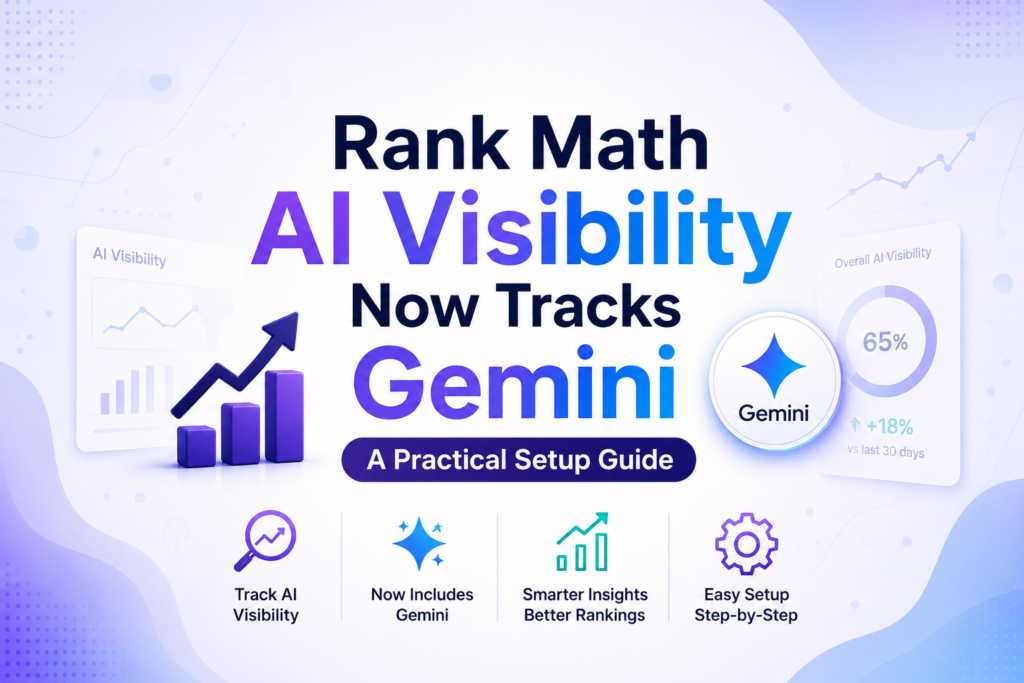
On September 23, 2026, Rank Math rolled three separate tools into one product called Rank Math AI, and the part that matters most for WordPress site owners is buried in the middle of that announcement: Rank Math AI Visibility, the feature that tracks whether your brand gets mentioned in ChatGPT and Google Gemini answers, now covers both platforms from a single dashboard instead of just one.
I run Rank Math PRO on DevByteDaily, and the AI Visibility module showed up as newly available the same week. So this isn’t a secondhand write-up of a press release; it’s a practical look at what changed, what the setup screen actually asks for, and whether it’s worth turning on before you’ve even finished reading your coffee.
What Rank Math Actually Announced
Rank Math AI consolidates three tools that used to live in separate corners of the plugin:
- Content AI: AI-assisted content creation and on-page optimization, the part most Rank Math users already know.
- AI Link Genius: automated internal linking suggestions.
- AI Visibility: brand monitoring inside AI-generated answers, which is the genuinely new piece here.
Rank Math first introduced AI Visibility Tracking back on July 1, 2026, built around a simple reframing of the question SEO people have been asking for twenty years: it’s no longer just “do you rank on Google,” it’s “does AI mention your brand at all.” At launch, it only checked ChatGPT. The September 23 update adds Google Gemini as a second tracked platform, renames the pricing tiers to Rank Math AI Starter, Creator, and Expert, and folds all three tools under one umbrella brand. If you already had a Content AI subscription, Rank Math converted it automatically with no price change.
Monitoring is available in more than 30 languages, with a choice of daily, weekly, or monthly refresh schedules. If you want both ChatGPT and Gemini tracked for the same brand at the same time, that currently requires the Expert plan; Starter and Creator can track one platform at a time.
Why “AI Visibility” Is a Different Metric Than Rankings
If you’ve spent years watching Google Search Console for clicks and positions, AI Visibility measures something your existing dashboards can’t see: whether an AI model mentions your brand at all when someone asks it a question in your niche, and how your brand is framed when it does.
This is the practical core of what Generative Engine Optimization (GEO) and Answer Engine Optimization (AEO) actually mean in 2026. GEO is the practice of shaping content so generative AI systems ChatGPT, Gemini, Perplexity, and Google’s own AI Overviews are more likely to cite or recommend it.
AEO is the narrower version of that, focused on getting a direct, extractable answer picked up for one specific question. Both sit next to traditional SEO rather than replacing it, because none of this shows up in a normal rank tracker. A page can rank on page one of Google and still be invisible to an AI model that’s summarizing the same topic from entirely different sources.
That gap is exactly why tools like Rank Math AI Visibility, and competing options from Semrush and Ahrefs, exist. We compared how two of those alternatives report this kind of data in our AI Visibility Checker comparison of Ahrefs and Semrush, and the short version is that every vendor is still figuring out the best way to present a metric that didn’t really exist two years ago.
Rank Math’s advantage is distribution: it’s already installed on millions of WordPress sites, so this isn’t a new tool you have to evaluate and buy for a lot of readers; it’s a module sitting in a plugin you already pay for.
What the Setup Screen Actually Asks For
Turning on AI Visibility for a brand takes four pieces of information, and it’s worth knowing them before you click in, since one of them can’t be changed afterward:
- Brand name and website URL: Straightforward, but worth getting the exact name you want tracked, since this is what the AI models are prompted about.
- A short brand description: Optional, but it gives the analysis more context.
- Analysis language: This field is locked in permanently once you create the brand, so pick the language your actual audience searches in, not just the language your site is written in.
- Platform selection: ChatGPT, Gemini, or both if you’re on the Expert plan. There’s no default; Rank Math makes you choose explicitly.
Once you save it, the first analysis runs automatically, and the brand sits in a “pending” state until it completes. There’s an optional locale filter (country-level) and a refresh interval (daily, weekly, or monthly) you can set or leave on the plan default.
What the Report Actually Shows You
Once the first analysis finishes, the dashboard isn’t just a single number. For each tracked brand, you get an overall visibility score and rank, a sentiment read on how the brand is talked about when it does appear, and separate counts for mentions versus actual citations (being named is not the same as being linked or sourced).
Underneath that sits a per-competitor breakdown, so you can see whether a rival is being recommended in the same answers you’re trying to show up in, and a list of the individual tracked queries the specific prompts being run against ChatGPT or Gemini along with the raw model response for each one.
That last part matters more than the headline score; reading the actual AI answers tells you whether your brand was left out because the model didn’t know about you, or because it knew about you and recommended someone else instead. Those are two very different problems with two very different fixes.
What This Won’t Tell You
It’s worth being honest about the limits here, because a new metric with a dashboard and a score attached to it tends to get treated as more authoritative than it is.
AI Visibility tools work by running a set of sample prompts against ChatGPT or Gemini and checking whether your brand shows up in the responses. That’s a reasonable proxy, but it isn’t the same as seeing real user conversations, and it won’t match what an individual customer sees when they ask their own, differently worded question. Both models also change their answers over time as they’re updated, so a score from this month isn’t a fixed baseline you can compare against forever. Treat the score as a directional signal you check weekly or monthly, not a ranking position you obsess over daily.
If you want the broader playbook for showing up in AI-generated answers rather than just measuring it, our guide on practical strategies for ranking in AI search covers the content and structural side of this, and our guide to ranking in Google AI Overviews is worth reading alongside it, since Google’s own AI layer runs on different logic than ChatGPT or Gemini.
Why This Matters Right Now
This update lands in the same few weeks that Google pushed a new multimodal reporting view into Search Console and rolled out its September 2026 spam update with three separate signals, in the same month, that the tools built around search are racing to keep up with how people actually search now: typing into Google, asking ChatGPT, asking Gemini, or snapping a photo and asking “what is this.” A brand that only measures the first of those is measuring a shrinking slice of its actual visibility.
Think about two concrete cases. A small SaaS company selling project management software might rank well for “project management software for agencies” in Google, but if someone asks ChatGPT to “recommend project management tools for a 10-person agency,” the model might never mention them at all because its training and retrieval sources simply don’t include that company prominently.
An e-commerce store selling hiking gear might show up fine in Google Shopping results, but when a shopper asks Gemini “what hiking boots should I buy for wide feet,” the AI Visibility report would show whether that brand gets named, ignored, or overshadowed by three competitors. Neither case shows up in a normal rank tracker. Both show up here.
What to Actually Do With This
- Enable the AI Visibility module in Rank Math and create a brand entry for your main site before anything else; it’s the only way to get a baseline.
- Pick your analysis language deliberately; you can’t change it later without starting over with a new brand entry.
- Start with one platform unless you’re already on the Expert plan, and treat the score as a trend to watch over weeks, not a single number to react to.
- Read the actual per-query model responses, not just the score, so you know whether you’re invisible or just outranked by a named competitor.
- Pair it with content actually built for AI citation: clear, direct answers, original data, and well-structured pages rather than expecting the tracker alone to move the number.
- Keep watching your regular Search Console and analytics data alongside it. AI Visibility is additive information, not a replacement for either.
Frequently Asked Questions
Is Rank Math AI Visibility free?
No. It’s part of the paid Rank Math AI plans (Starter, Creator, Expert), the renamed successor to the old Content AI subscriptions. Existing Content AI subscribers were moved over automatically at their existing price.
Can I track ChatGPT and Gemini at the same time?
Only on the Expert plan. Starter and Creator plans can track one platform per brand entry; you’d need to create a second brand entry (pointed at the same site) to compare the two on a lower tier, where your plan allows it.
How is this different from a normal keyword rank tracker?
A rank tracker tells you where a URL sits in Google’s results for a given keyword. AI Visibility tells you whether an AI model mentions your brand at all when it answers a related question a completely separate question with its own separate answer.
Does a high AI Visibility score mean I don’t need to worry about Google rankings?
No. The two are complementary, not substitutes. People still type queries directly into Google far more often than they ask ChatGPT or Gemini for recommendations, and classic SEO fundamentals (links, structure, relevance) still feed both systems.
Can I change the brand’s analysis language after creating it?
No. Rank Math treats the analysis language as fixed once the brand is created, so choose the language your actual target audience uses before you save it.
None of this replaces the fundamentals. A brand that isn’t cited anywhere, has no original information, and hasn’t earned links or mentions elsewhere on the web isn’t going to show up in an AI answer just because someone turned on a tracking dashboard. What a tool like this does is finally give WordPress site owners a number to watch while they do that work, instead of guessing.



Leave a response